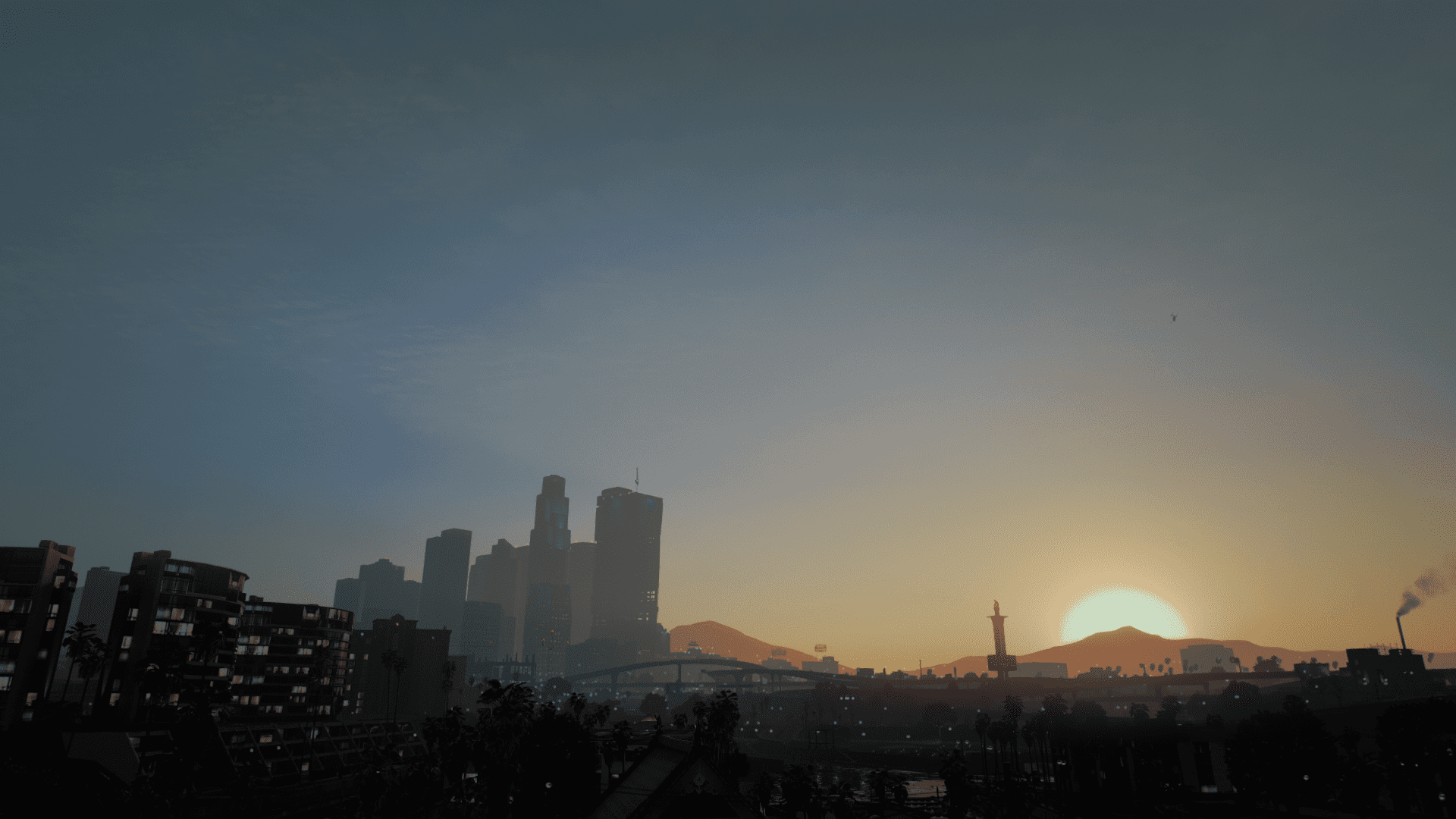
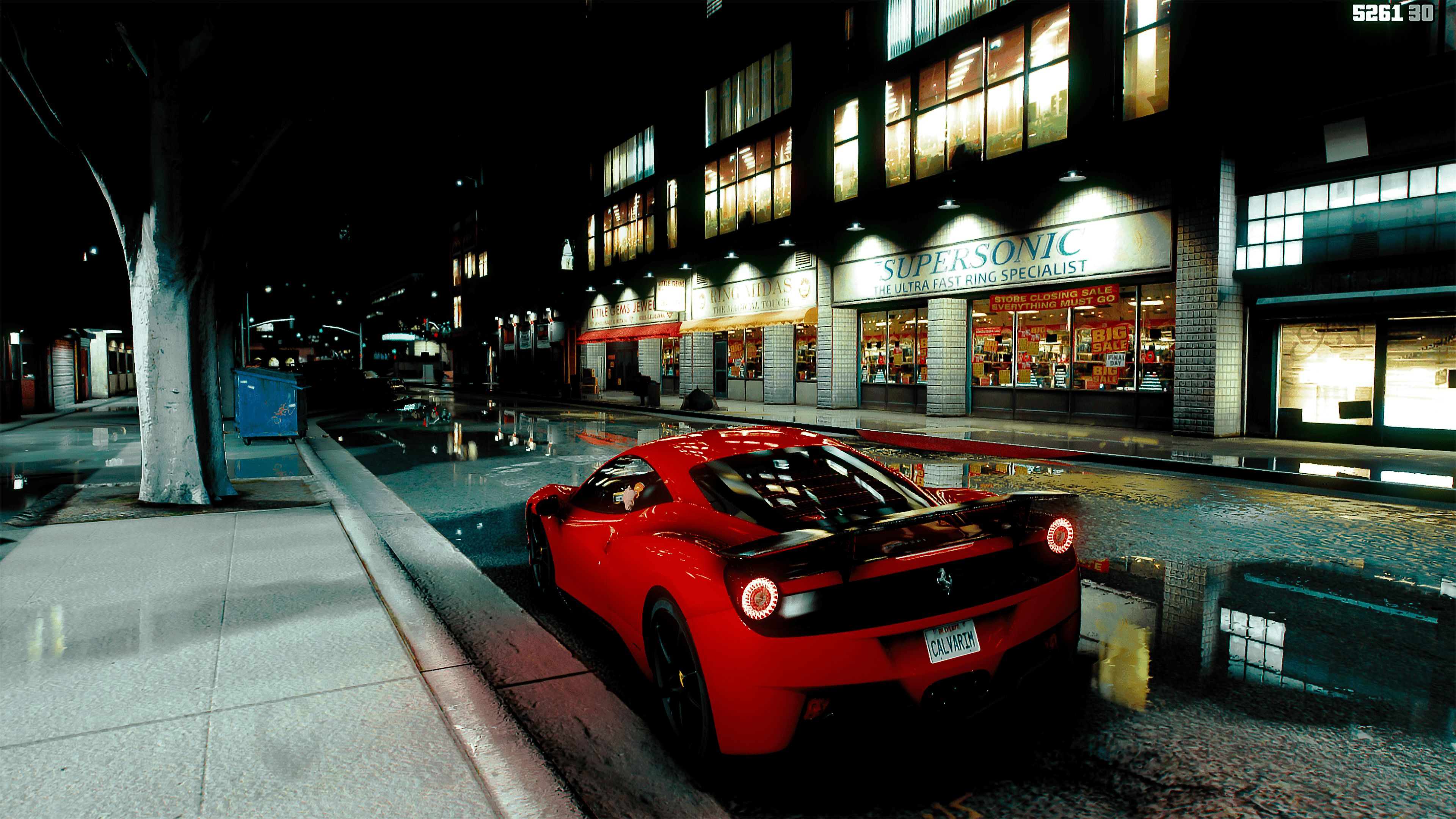
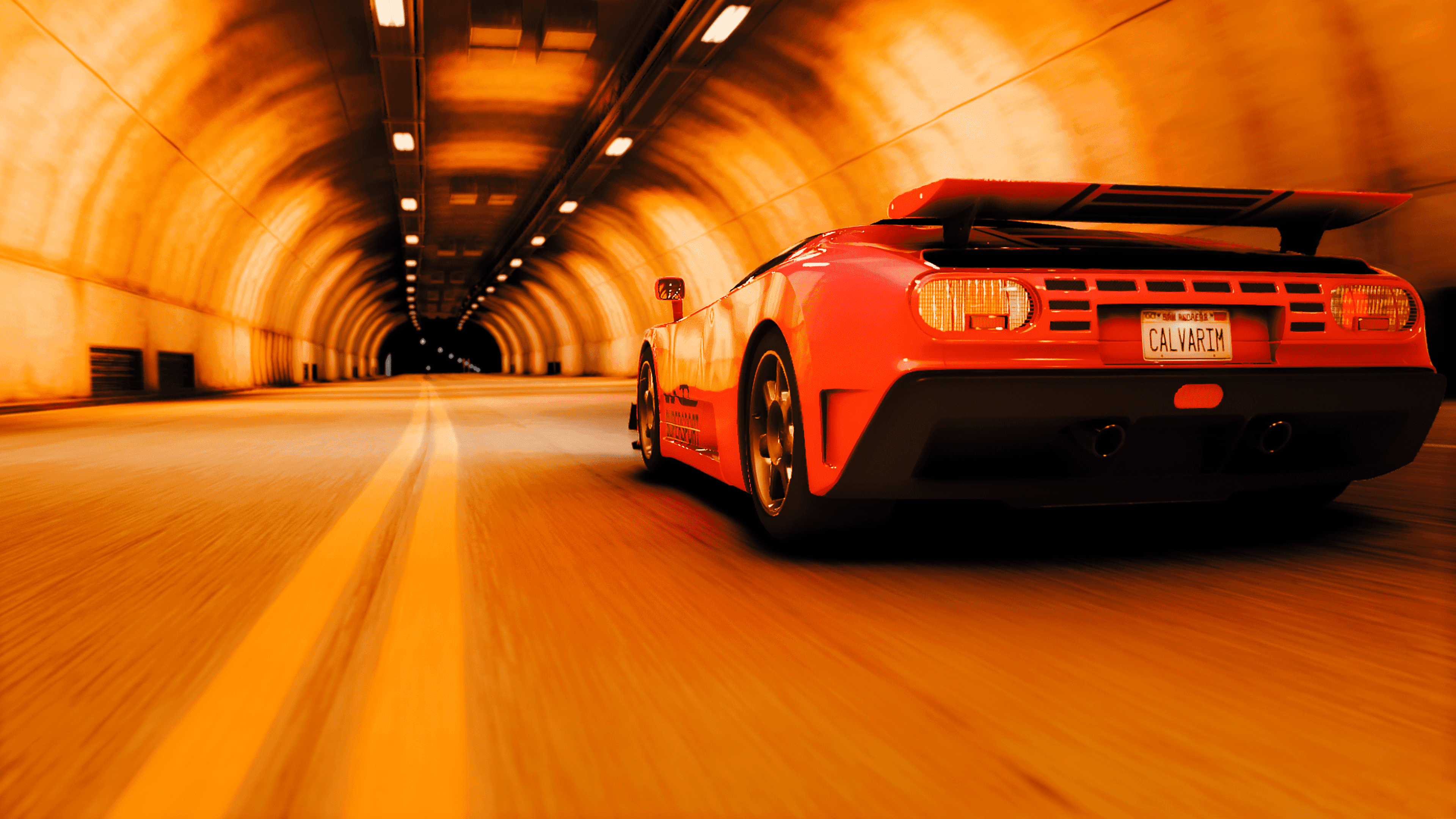
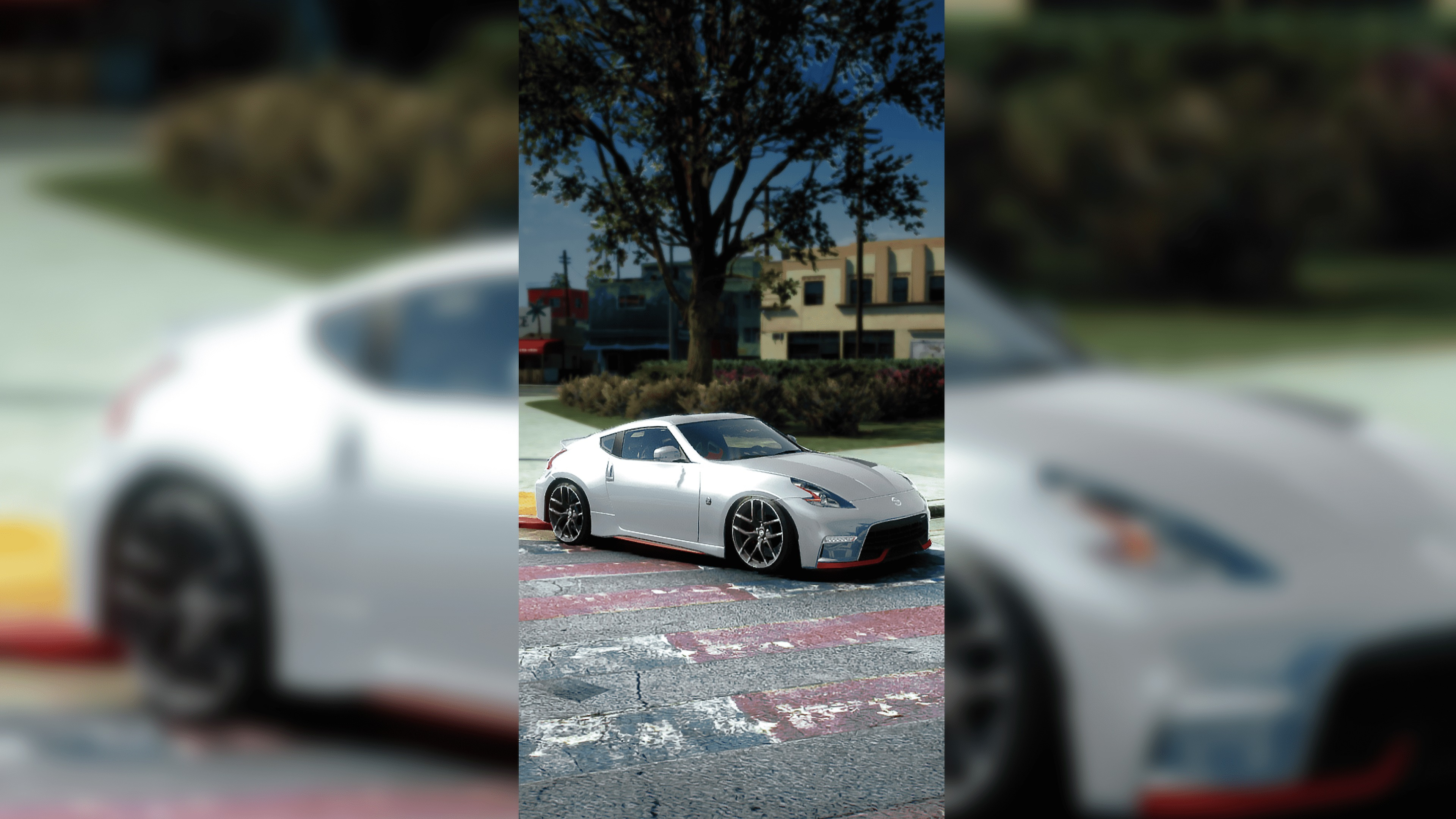
ReShade preset for QuantV 1.0
.jpg)



9 396
17
9 396
17
Installation
1. Place the texture files in the reshade-shaders folder.
2. Then place my preset in the game folder.
3. Start the game.
4. Select a file with a name from the list.
TheCalvariam QuantV TESTINGS
The preset was created mainly for QuantV, but I also tested it on NaturalVision Evolved, where the picture looks juicy too.
1. Place the texture files in the reshade-shaders folder.
2. Then place my preset in the game folder.
3. Start the game.
4. Select a file with a name from the list.
TheCalvariam QuantV TESTINGS
The preset was created mainly for QuantV, but I also tested it on NaturalVision Evolved, where the picture looks juicy too.
Première mise en ligne : 6 avril 2021
Dernière mise à jour : 12 avril 2021
Téléchargé pour la dernière fois : il y a 2 jours
6 commentaires
Installation
1. Place the texture files in the reshade-shaders folder.
2. Then place my preset in the game folder.
3. Start the game.
4. Select a file with a name from the list.
TheCalvariam QuantV TESTINGS
The preset was created mainly for QuantV, but I also tested it on NaturalVision Evolved, where the picture looks juicy too.
1. Place the texture files in the reshade-shaders folder.
2. Then place my preset in the game folder.
3. Start the game.
4. Select a file with a name from the list.
TheCalvariam QuantV TESTINGS
The preset was created mainly for QuantV, but I also tested it on NaturalVision Evolved, where the picture looks juicy too.
Première mise en ligne : 6 avril 2021
Dernière mise à jour : 12 avril 2021
Téléchargé pour la dernière fois : il y a 2 jours
 5mods on Discord

can u use this with the previous quantV versions or you have to use it for QuantV 3.0?
@Quacos1912 haven't tested but try
@TheCalvariam i have a question do we place the reshade folder in the gta main directory or?
@Quacos1912 move the preset to the root folder with the game, then to the reshade-shader _texture folder - my lut filter
Great job! But can you put at images the effects of this preset ?
@TheCalvariam : In recent events it was discovered that new versions of QuantV (July 2022 and later) contain malicious code. Due to this, links to QuantV will no longer be allowed on the site. Links in your uploads have already been removed so no action is required from you, however please no longer link to it in the future. Thank you for your understanding and happy modding!