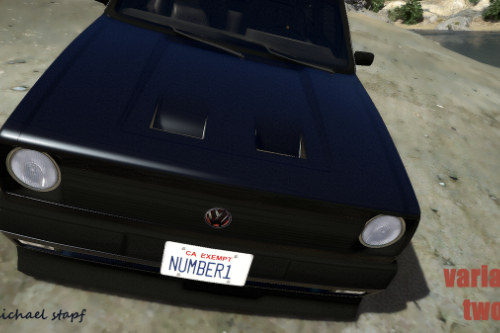
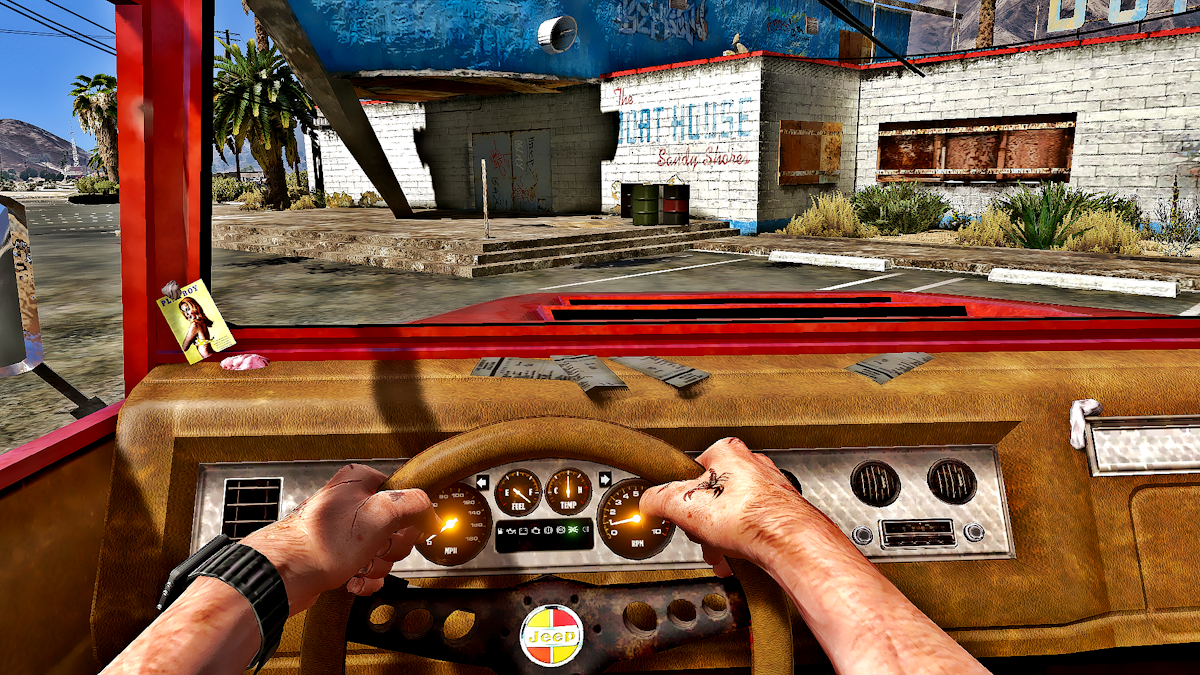
Little car badge mod for Mister Trevor Philips car - bodhi2 to Kaiser Jeep real car logo


320
6
320
6
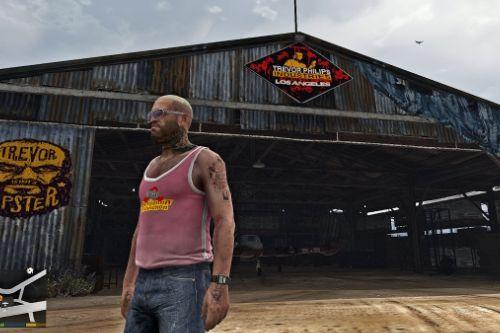
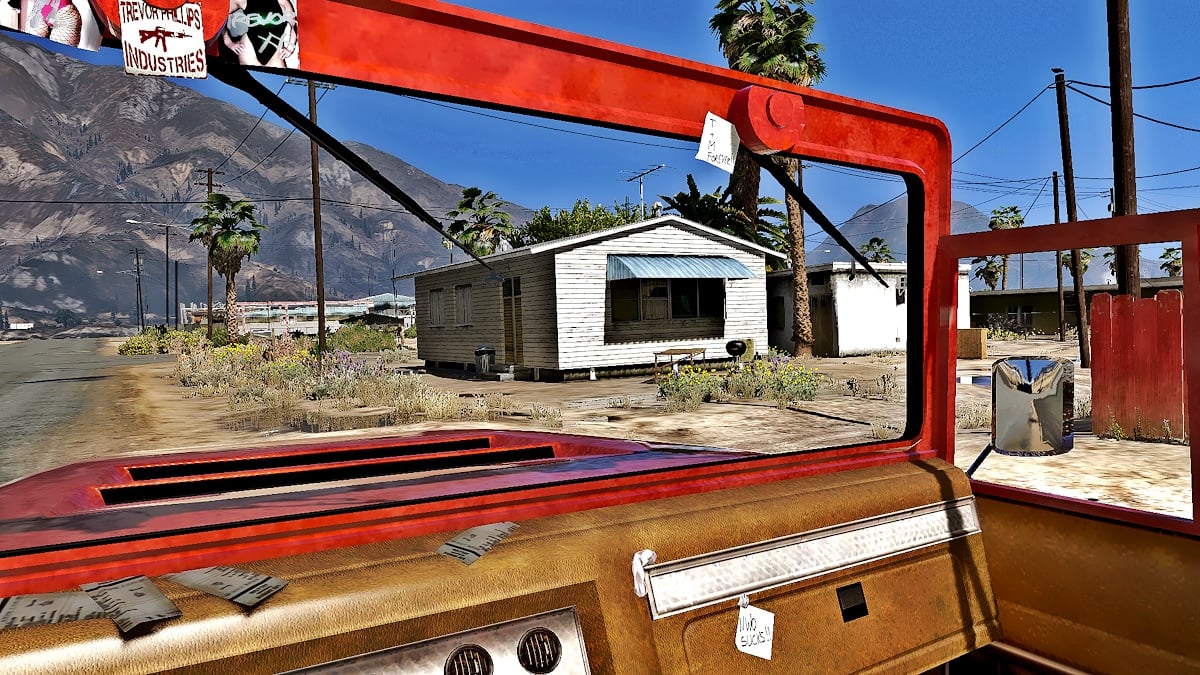
Hi guys, I´ve got a little badge changer for Mister Trevor Philips (chief of Trevor Philips Industries) ride for you.
Installation:
1. Open OpenIV and enable edit mode.
2. Go to the Grand Theft Auto V folder and search for your vehicles.rpf file, where the files are inside and replace them.
My files are/were in the following folder:
bodhi2.ytd & bodhi2+hi.ytd
C:\Games\Grand Theft Auto V\mods\x64e.rpf\levels\gta5\vehicles.rpf\
3. Enjoy it.
Like always - it´s recommended to backup your files before doing any changes.
All the best, Michael : o )
Installation:
1. Open OpenIV and enable edit mode.
2. Go to the Grand Theft Auto V folder and search for your vehicles.rpf file, where the files are inside and replace them.
My files are/were in the following folder:
bodhi2.ytd & bodhi2+hi.ytd
C:\Games\Grand Theft Auto V\mods\x64e.rpf\levels\gta5\vehicles.rpf\
3. Enjoy it.
Like always - it´s recommended to backup your files before doing any changes.
All the best, Michael : o )
Première mise en ligne : 30 mai 2023
Dernière mise à jour : 30 mai 2023
Téléchargé pour la dernière fois : il y a 2 jours
1 commentaire
More mods by mikesta:
Hi guys, I´ve got a little badge changer for Mister Trevor Philips (chief of Trevor Philips Industries) ride for you.
Installation:
1. Open OpenIV and enable edit mode.
2. Go to the Grand Theft Auto V folder and search for your vehicles.rpf file, where the files are inside and replace them.
My files are/were in the following folder:
bodhi2.ytd & bodhi2+hi.ytd
C:\Games\Grand Theft Auto V\mods\x64e.rpf\levels\gta5\vehicles.rpf\
3. Enjoy it.
Like always - it´s recommended to backup your files before doing any changes.
All the best, Michael : o )
Installation:
1. Open OpenIV and enable edit mode.
2. Go to the Grand Theft Auto V folder and search for your vehicles.rpf file, where the files are inside and replace them.
My files are/were in the following folder:
bodhi2.ytd & bodhi2+hi.ytd
C:\Games\Grand Theft Auto V\mods\x64e.rpf\levels\gta5\vehicles.rpf\
3. Enjoy it.
Like always - it´s recommended to backup your files before doing any changes.
All the best, Michael : o )
Première mise en ligne : 30 mai 2023
Dernière mise à jour : 30 mai 2023
Téléchargé pour la dernière fois : il y a 2 jours
 5mods on Discord

This file has been approved automatically. If you think this file should not be here for any reason please report it.